
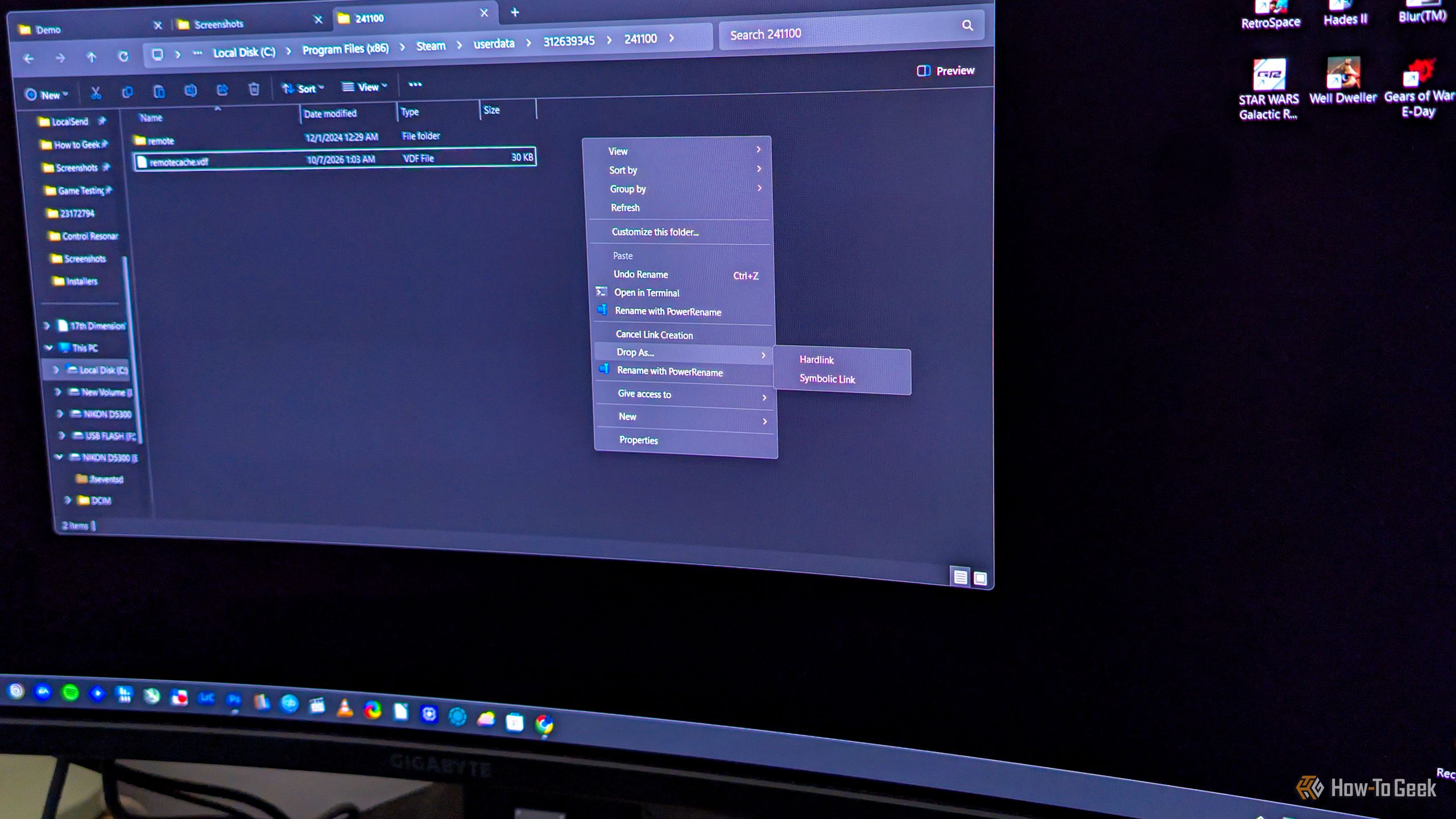
Say you want to copy a file to another folder on your Windows PC, but not for backup purposes. If you just want to have the same file appear in multiple folders, you don’t have to copy it the usual way, where each copy takes up the full amount of storage space. What you can do instead is hard link it, which makes the same file show up in another folder, indistinguishable from the original, with the benefit of this “copy” not using any extra storage.


